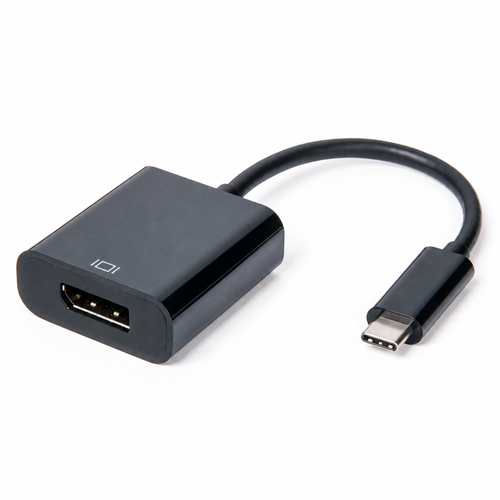
Connect your compatible USB-C device to a DisplayPort screen with a compact adapter.
The Laser USB-C to DisplayPort Adapter connects a compatible USB-C device to a DisplayPort-enabled monitor, projector or TV. Its USB-C plug and DisplayPort socket provide a simple connection for your display setup.
Connect the USB-C plug to your compatible device, then connect your display cable to the adapter's full-size DisplayPort socket.
Check that your device supports video output through its USB-C port and that your screen has a DisplayPort input. A USB-C connector alone does not establish compatibility. Available resolution and refresh rate depend on the connected device, display and cable.
No additional software or drivers are required. The adapter supports plug-and-play setup with compatible equipment.
Browse our DisplayPort cables for your display connection.
| Shipping: Inner Barcode | 29335432028595 |
| Shipping: Inner Qty | 1 |